The Thinkpad X220 from the Dumpster
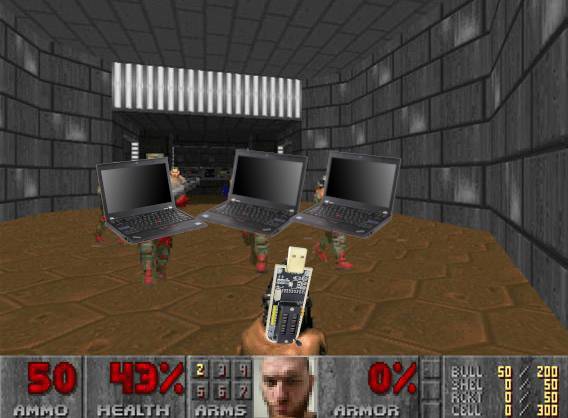
Computer engineer finds a working Thinkpad X220 from the dumpster, immediately bricks it. Mechatronics engineer comes to the rescue, and shows why computer engineering isn't real engineering. Then proceeds to fail on the simple task of installing an OS.
|
Back in fall of 2025, I went to Istanbul, and have done my yearly dumpster dive of Kadıköy Salı Pazarı. I haven't found much stuff there compared to before, due to the increasing popularity of the place. I also even experienced slight fear for my life because I asked some shady seller about laptops, and he thought I was laughing or something, told me why I was laughing. There was apparently something I was laughing about and he was curious. I told him I wasn't laughing and quickly left the place. I swear I felt like I was going to get shivved, but fortunately, I'm safe. Thank Allah. Even then, I managed to find some interesting stuff. A PS Move controller that doesn't hold a charge for $1.25, a copy of Crysis 2 for PC for the same price, an iPod touch 3rd gen in very good condition for $25, and a Thinkpad X220 for a whopping $6. If that isn't daylight robbery, then I don't know what is.
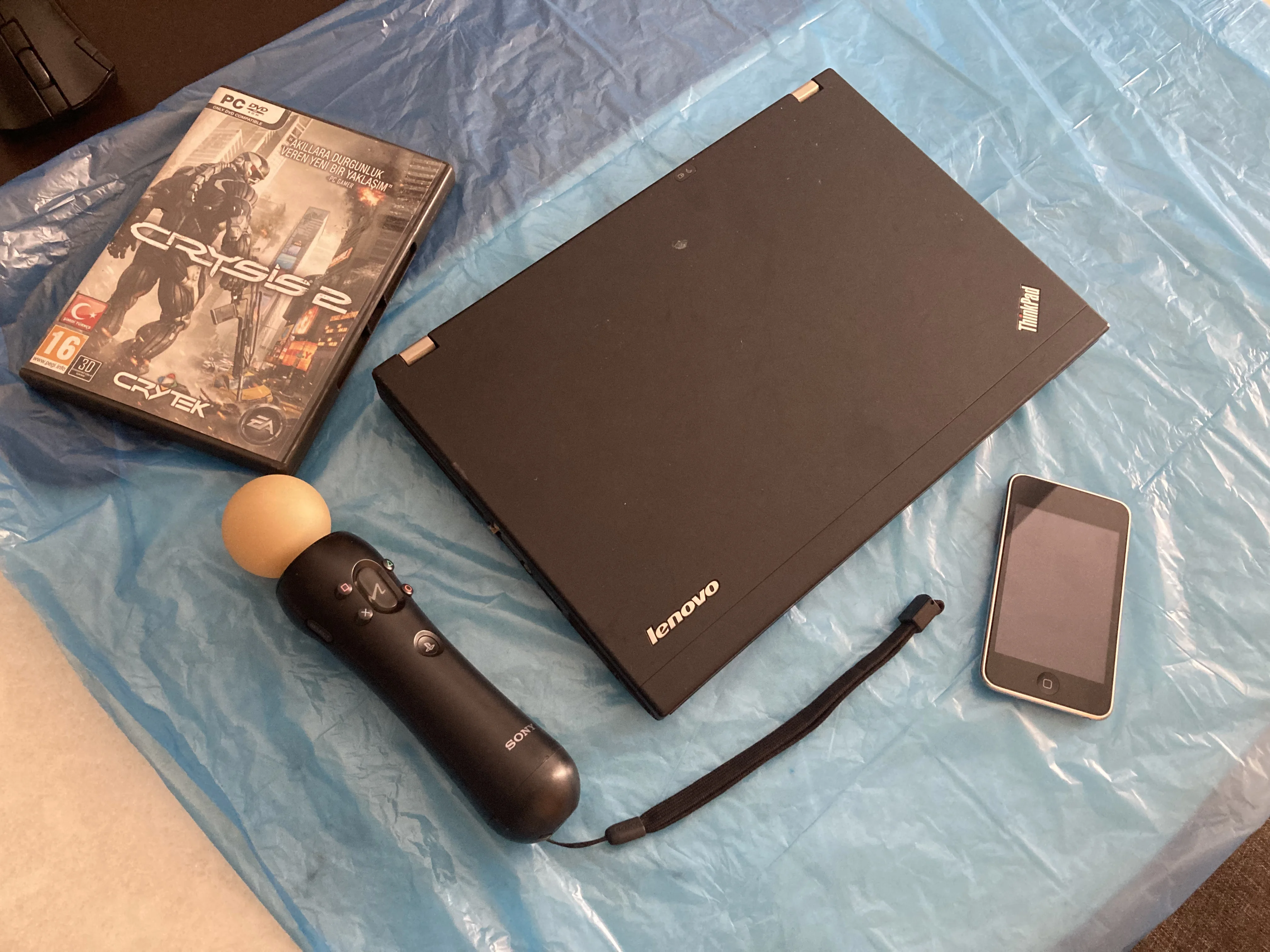
Now I don't really care about the rest, but the Thinkpad really interested me. It was in terrible condition, had breaks all over its chassis, and was missing a battery. But fortunately it had some RAM, an hdd, and the screen was intact with no cracks. I had no way of testing it in Istanbul, and I also didn't have a charger. So when I came back to Bursa, I used the charging adapter from my other Thinkpad z60m which worked fine. Also apparently, this laptop throttles with a 65W charger if no battery is present, but mine was 90W. To no one's surprise, the laptop didn't turn on. I said its gotta be the RAM, I took it off, and reinserted it. This time it made 5 beeps. Then I took it out again, but this time I wiped the pins with my tshirt before plugging it back in, and then it came to life! There was a Windows 10 installation on it, with modded minecraft.
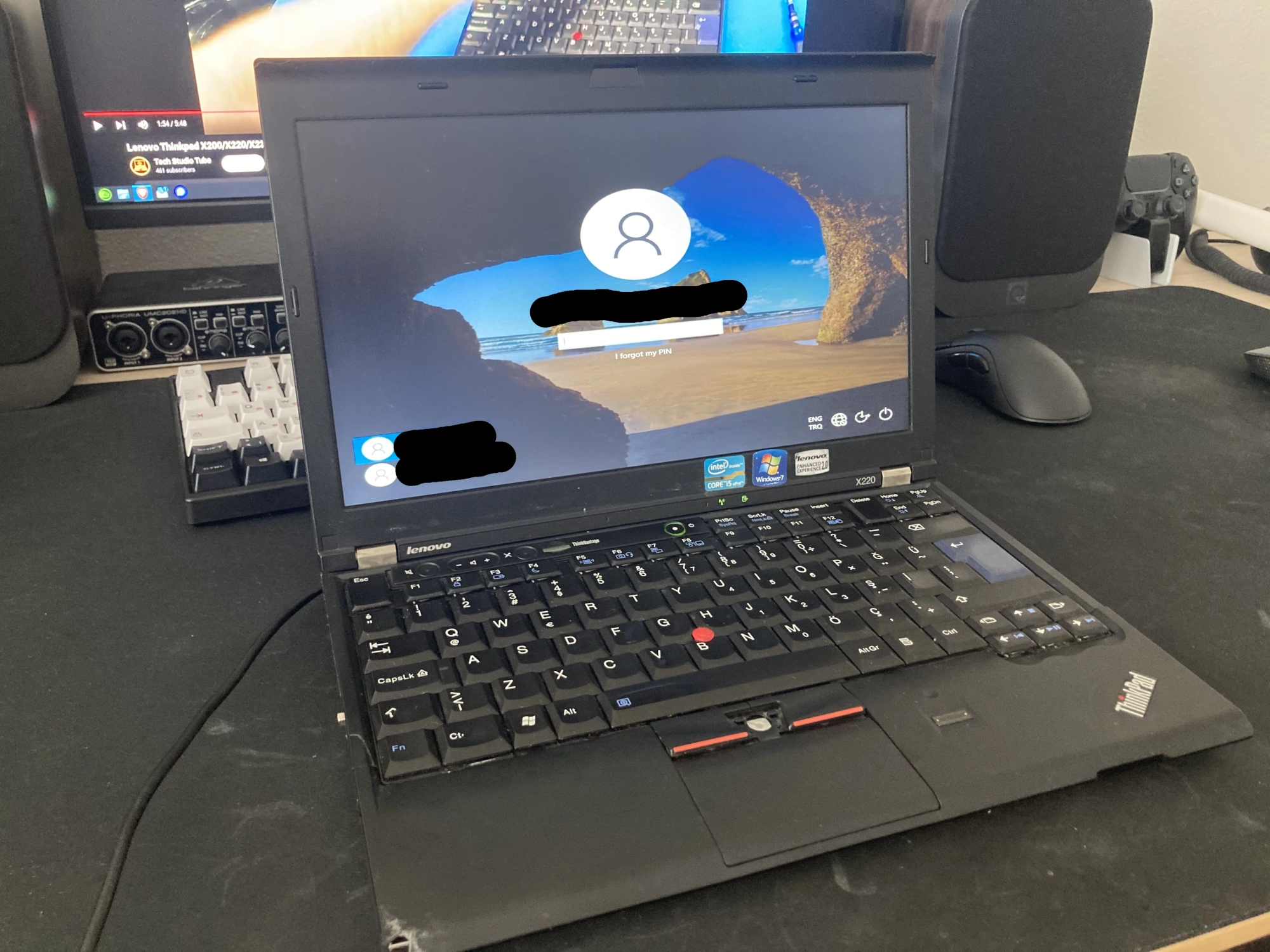
I didn't do much with the Windows installation in it. I replaced the HDD with a spare 120G SSD I had, then I thoroughly cleaned it. I have decided to install OpenSUSE Tumbleweed. My dad used it for a week and there were no problems, the screen was fine, the speakers weren't blown, the ports worked fine etc. I have also noticed the included RAM was 4GB, so I wanted to upgrade it. From what I learned online, Lenovo said this laptop only supported up to 8GB RAM, but people reported that 16GB worked fine. So I bought 2x8GB DDR3 sticks and a battery. When they arrived, I installed them, and noticed it only showed 8GB of RAM available. This is where things start to go off the rail.
From what I've read, prior to BIOS version 1.28, there was no throttling on RAM, but it would throttle down to 1333MHz in versions 1.29 and above. Mine was in version 1.20, and for whatever reason I thought this could be why the laptop didn't see the other 8GB RAM. So I found a patched latest BIOS that removes this limitation, and went off to flash it. But the problem is, the flashing program has to run on a Windows PE in order to work, and apparently Windows 10 didn't work quite right with it either. I didn't want to install Windows 8.1 on it just to flash a BIOS, so I found a live Windows PE recovery USB based on 8.1, and started flashing from there. During flashing, the screen went black, never to turn on again. I bricked the survivor within a week of obtaining it, hooray!
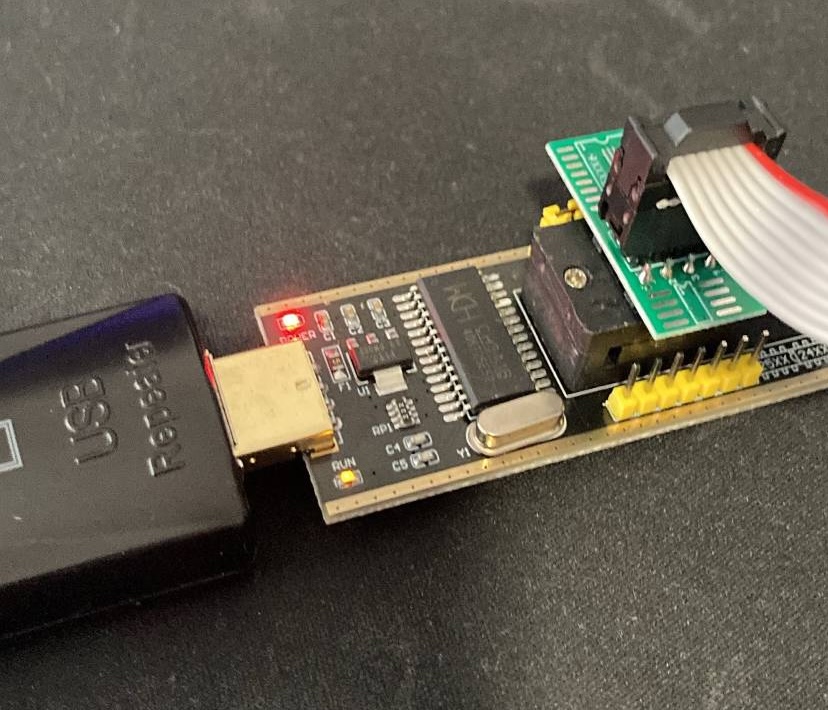
So, the only way to recover my mess was to flash the BIOS chip directly using a programmer. An embedded software developer friend of mine suggested that I go get a CH341 programmer with a SOIC 8-pin clip, and so I have done. I also didn't want to simply flash the old BIOS, I wanted more... While it was shipping, I decided to flash coreboot on it. At that moment I was also running OpenSUSE Tumbleweed on my main PC, and the goddamn thing just wouldn't compile on it due to whatever reason. So I compiled it under a Void Linux VM. I used this guide to do the configuration, and in general learn how I'm supposed to flash it. I also lobotomized the Intel Management Engine in the process!
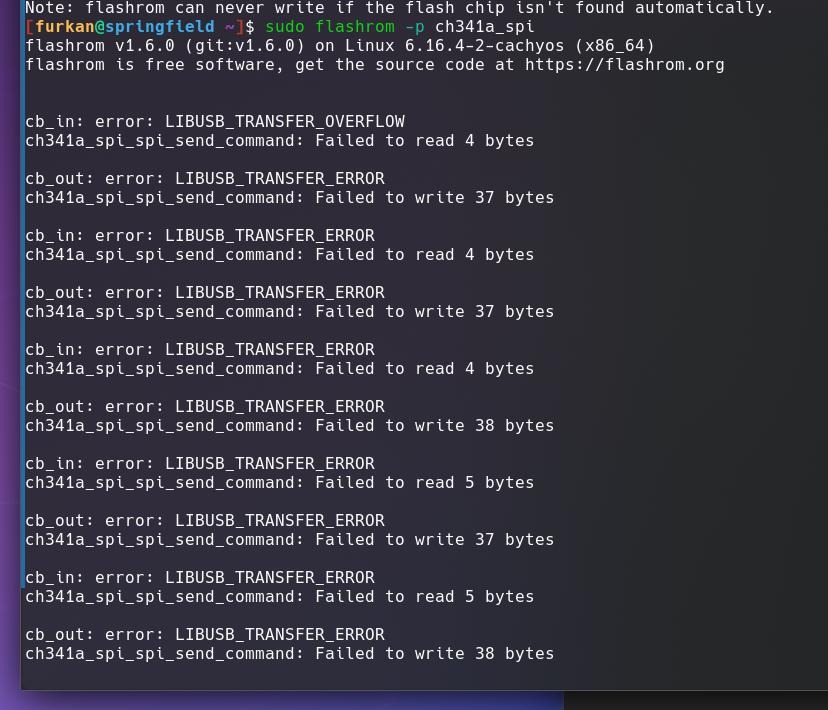
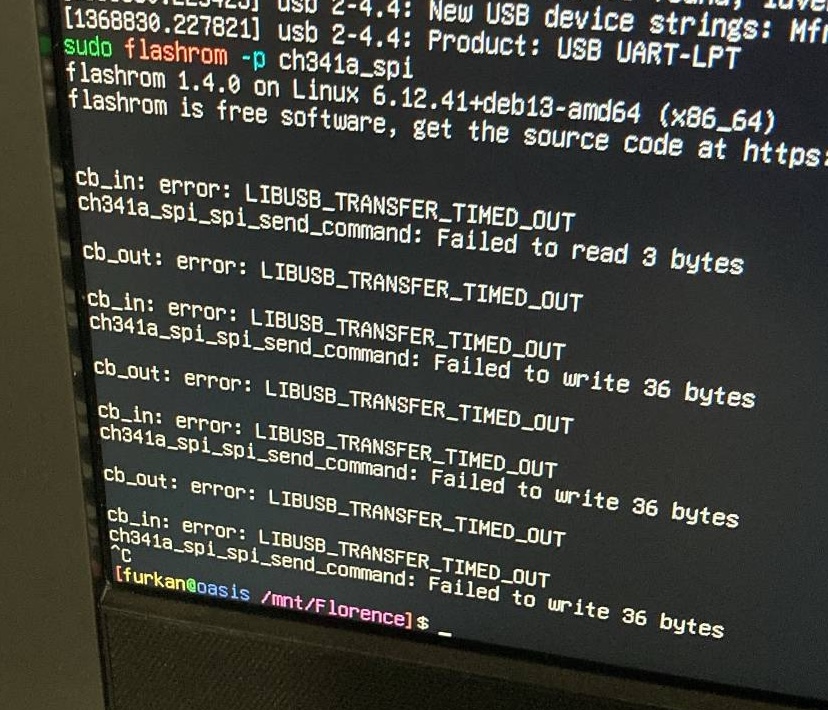
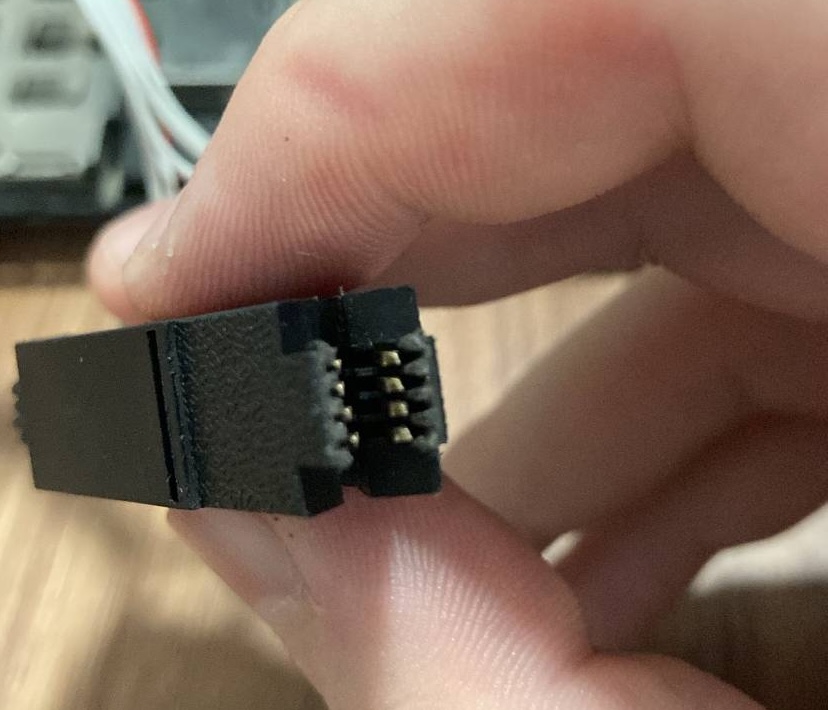
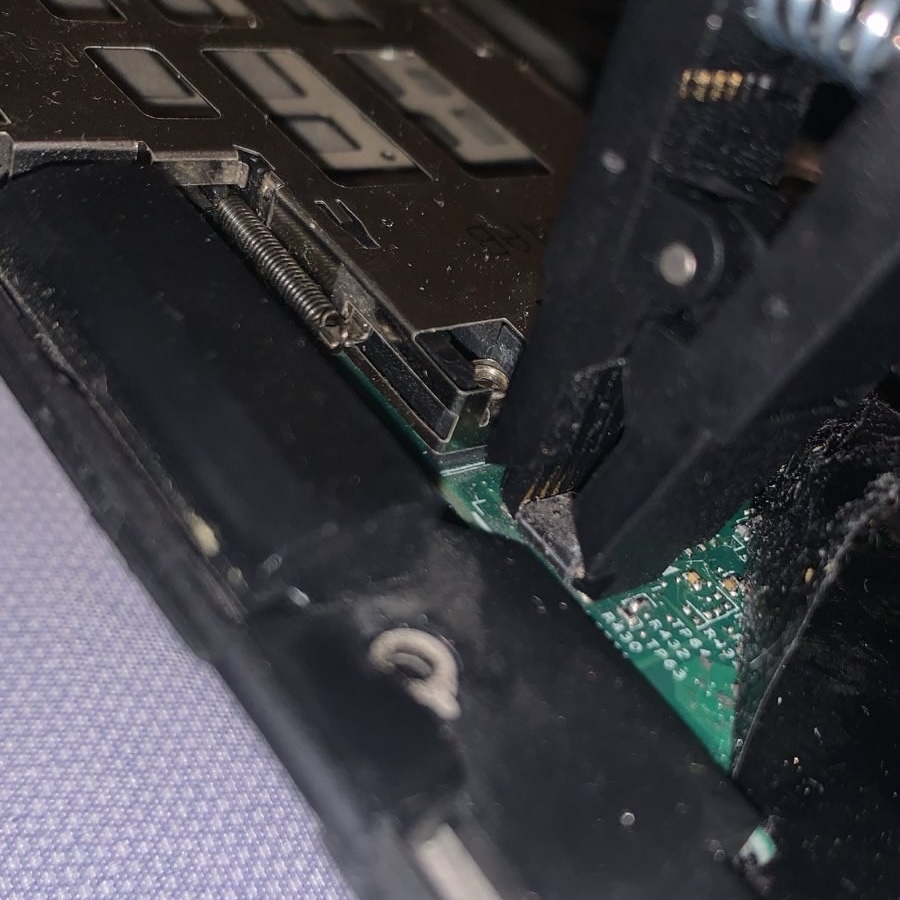
When the programmer arrived, I quickly disassembled the thinkpad and tried to attach the SOIC clip, and the keyword here is try. No matter what I did I simply couldn't get it to fit properly on the chip, and flashrom just didn't recognize it. To make sure that my computer wasn't the problem, I first tried to flash from my Debian 12 server, which didn't work. As a last resort, I took out the work PC running Windows 10 LTSC from my server cabinet, which I just used for SQL Server, then tried flashing it from there. Nope. Whatever flasher I tried didn't recognize it, I couldn't manage to fit the clip on the BIOS chip properly. I know im not the best when it comes to fine craftsmanship, but man am I that terrible? After hours of fiddling around with the connector I unsurprisingly broke the entire clip and just threw it in the trash. My ever generous friend called me a donkey and told me to just ship it to him, what would I do without him...
 |
 |
 |
 |
I just packed the thinkpad in a box and shipped it off to him, and he received it several days later. As I pack things a lot better than him, he received it in one piece. The last time he shipped me various PS1/PS2 accessories, there wasn't any single thing that wasn't rattling. During this time, he also bought his own CH341 programmer and SOIC clip. He just disassembled the laptop, put the clip in, and flashed the BIOS in mere minutes. That's it, it was that simple. He wouldn't shut up making fun of me but unbeknownst to him, this was also where his troubles began.
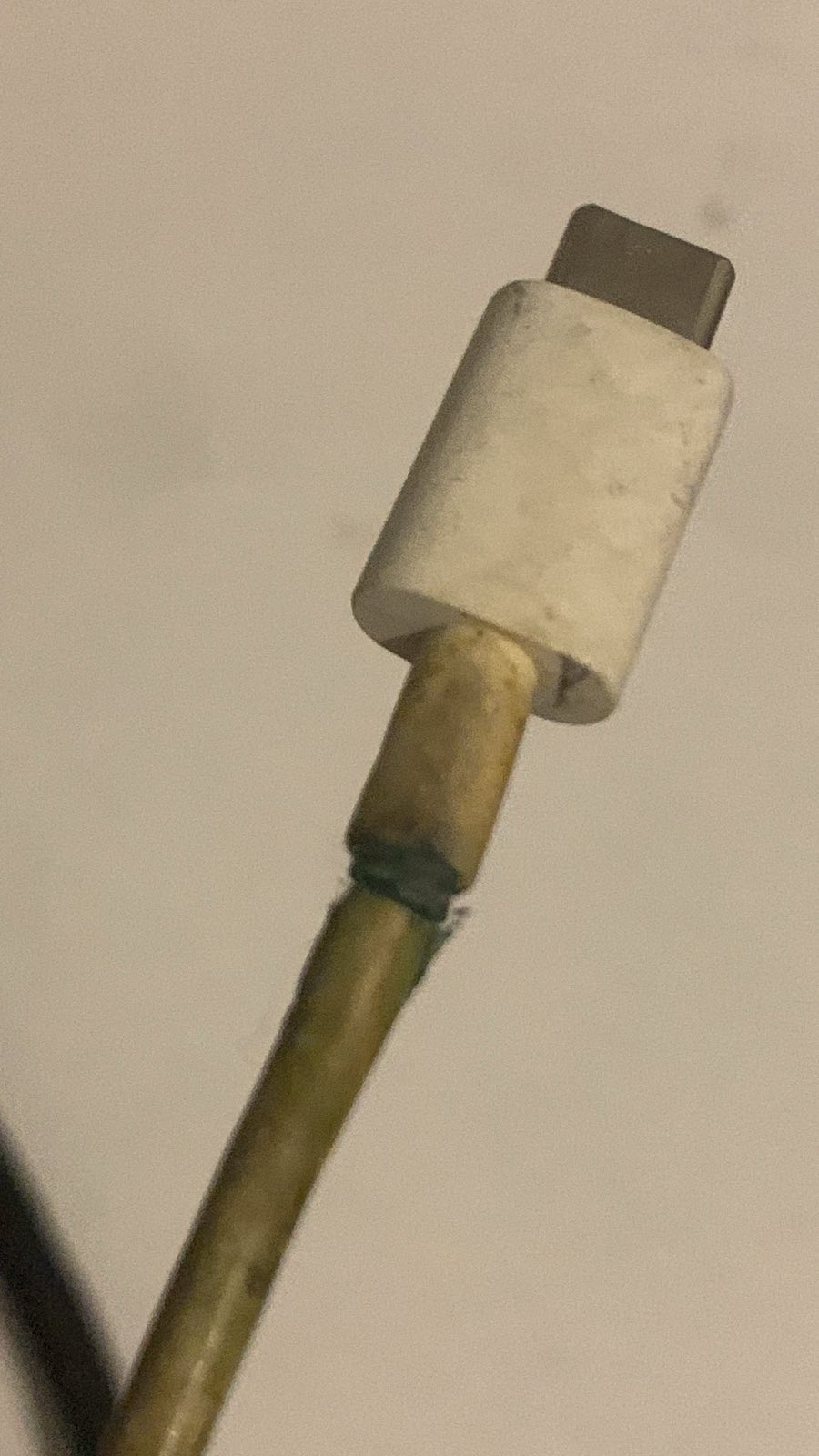
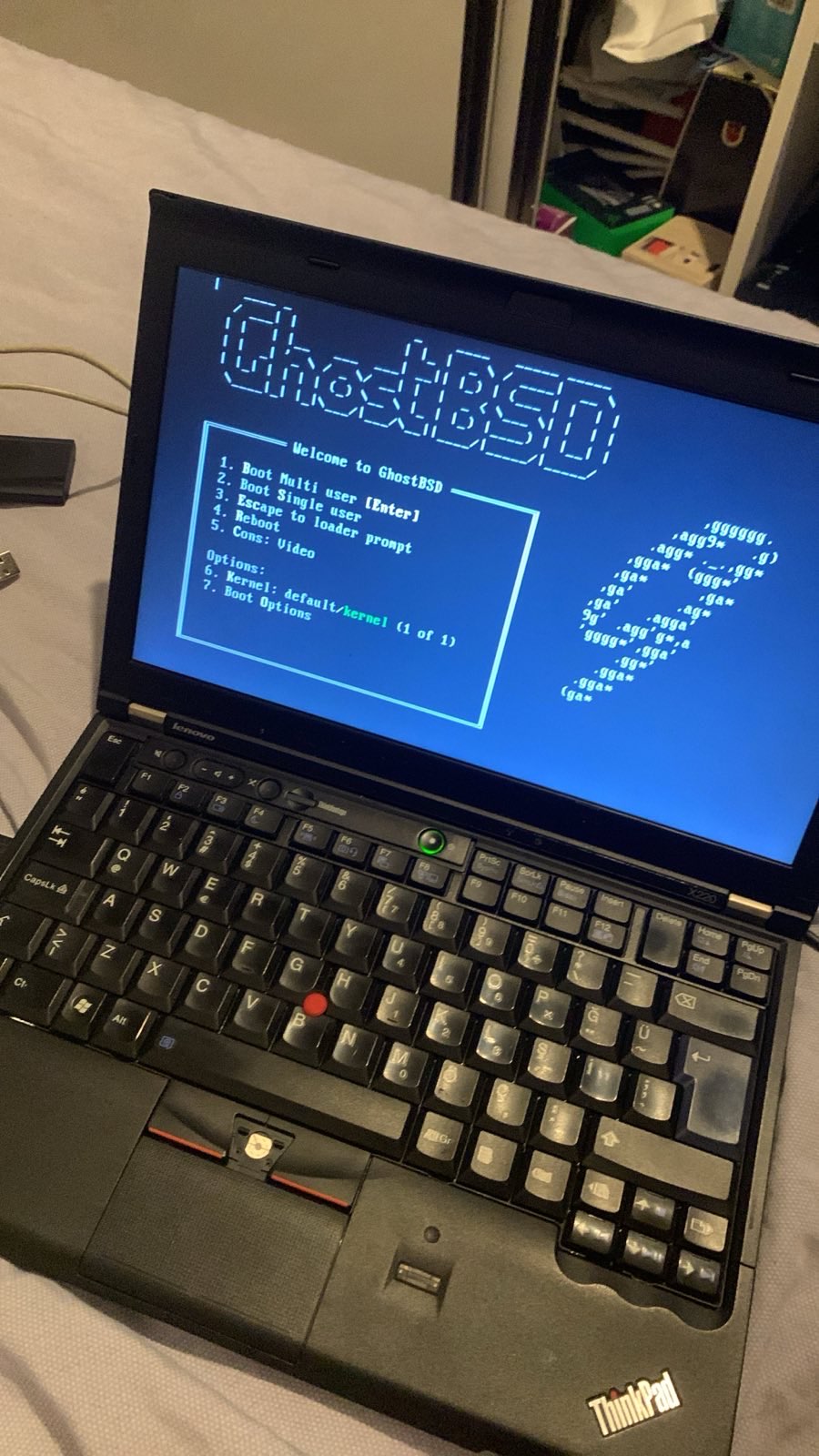
When it came down to installing an OS, I have decided on GhostBSD with Gershwin Desktop, as I was curious about how it performed. So I told my friend to install it. He downloaded the image and put it inside a USB stick, and it wouldn't work. The BIOS didn't recognize it as bootable media. He tried several times to no avail, it was a shit USB stick. So he tried another USB stick he got from a convention and was pretty attached to, but that also turned out to be a dud. He even tried an SD card with a USB adapter, nope. He also tried 2 different SATA USB adapters, no luck. He searched his entire house for anything, be it an HDD enclosure or another thumb drive, something that he can put an OS installation on. After like 5-6 hours, he finally found something, an M.2 enclosure. He used that from a Type-C hub and even then, because of the iffy cable he used, it gave him all sorts of headaches, but at least he somehow managed to install the damn thing. The first thing he did tomorrow was to buy a legit USB drive.
 |
 |
After all this, the laptop was finally back alive. I asked him how much RAM the OS reported, and as if the cruel fate was laughing its ass off, it reported 8GB RAM. He replaced one of the sticks with a 4GB one he had and wouldn't you know it, it said 12GB. All of this trouble was because of me misinterpreting a broken RAM. To be fair, my thought process was that I bought the RAM new and so it must've been working fine, and I would still try to flash coreboot later on and probably mess it up. At least that's the silver lining. As he was the one who resurrected this laptop, I asked him to give it a name. He immediately decided on Rikka. Rikka is now my first device that does not have a name from Girls' Frontline, Kantai Collection or Azur Lane.
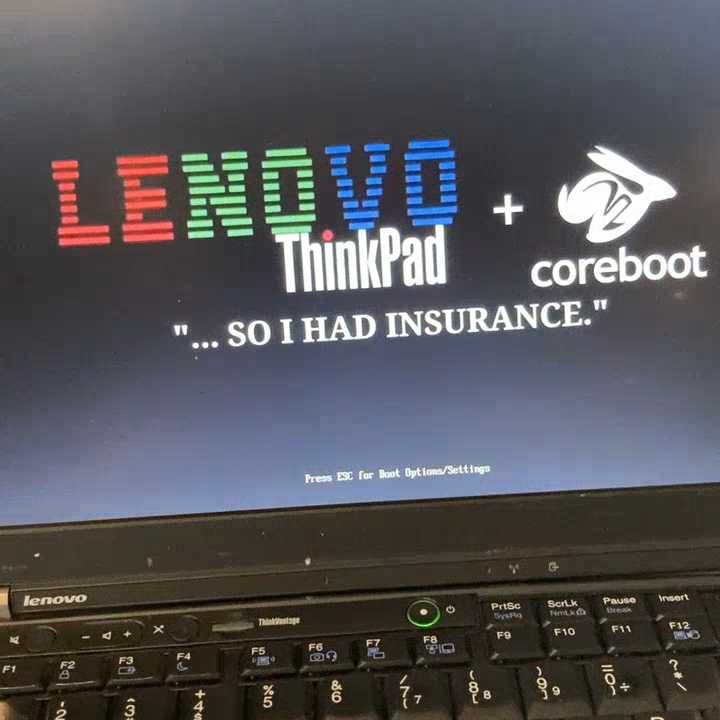
Now any other idiot that got up to here would leave it there, but not I. The SeaBIOS payload in the coreboot only supported legacy BIOS, and no UEFI. I want my UEFI. Actually I was gonna leave it there but my friend insisted on it and I figured why not. We also decided it should have a custom splash anyways, and I found another guide that covered this exact thing. We went through several iterations of a splash image featuring Rikka and inside jokes but ultimately I decided on a simpler one. I compiled the new BIOS with the splash and he flashed it from inside the OS this time, and it worked fine. But he had to reinstall the OS because the new BIOS only supported UEFI this time, more fun to him!
 |
 |
When he went to Aras Kargo to ship the laptop back to my company, the worker there, for some reason, refused to ship it to the company, and insisted on a company number or something. While he was waiting there for an hour, I had to call our own local Aras Kargo, and ask for our company number. The same number that shows up in their systems when they search for the company, unbelievable. The things he bear for me... After several days, I have finally got back my thinkpad, better than ever. Now it was time to play with it...
The first thing I have noticed was that I didn't quite like Gershwin Desktop in the state it was in. Perhaps it will get better in time, but I decided to give Elementary OS a try. The whole install process was smooth, took me 5 minutes to install it, unlike certain someone. I loved the UI, it was brilliant, but I didn't like the underlying Ubuntu system. When I tried to install firefox with apt, it instead decided to install it from snap, which pissed me off. So I moved on to CachyOS, since I am most familiar with Arch on desktops.
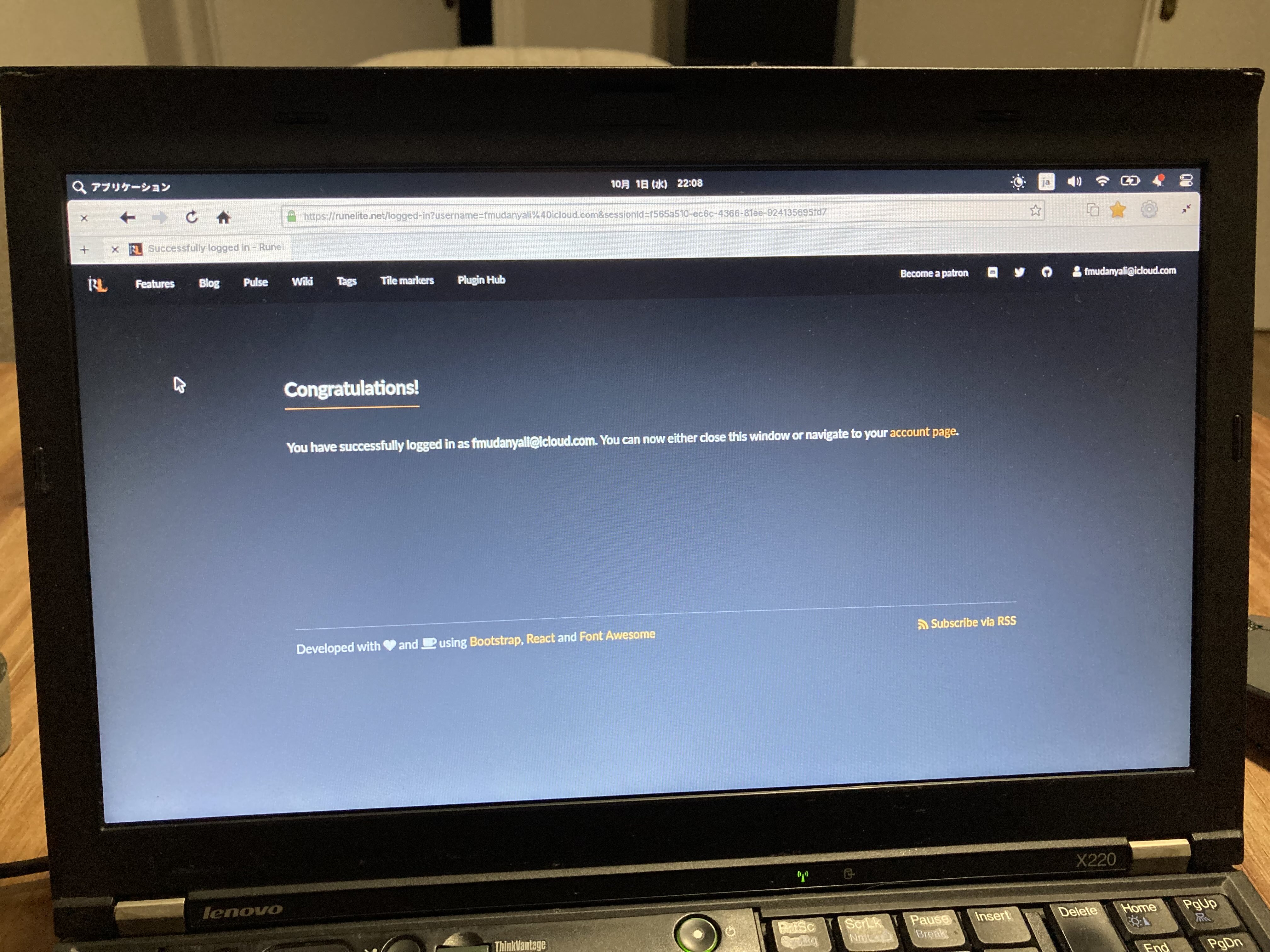
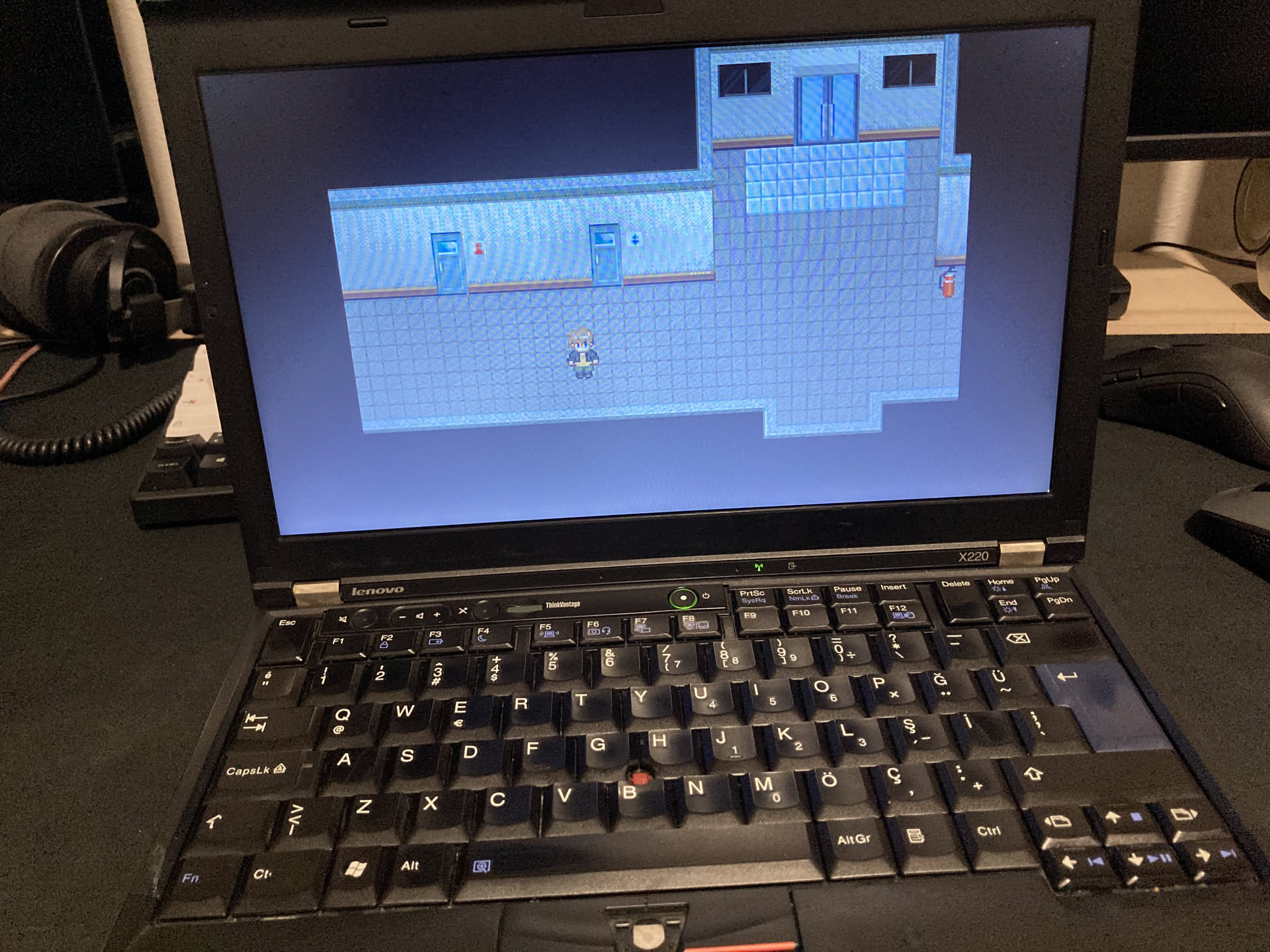
Again, CachyOS was also pretty easy to install, and I decided to use KDE. It also felt snappier. I installed steam to give proton a try in this old HD3000, obviously Vulkan and therefore DXVK is a no-go, but I can still run basic games on it just fine. I also finished The Crooked Man on it. So far, its a pretty nifty machine, and it is capable of 1080p YouTube playback without dropping frames, and that's probably the most intense thing I will ever do on it, besides Runescape, Runescape also ran better on CachyOS. I also bought another 8GB RAM and that one worked fine. Finally I had 16GB RAM.
Don't try this at home.